Free · no signup · no watermark

Scan anything. Convert everything.

Scan & crop paper documents with the free Nexscanify app — and convert images & PDFs instantly with our in-browser tools.

SCAN → PDF IMAGE → PDF PDF → JPG AUTO-CROP
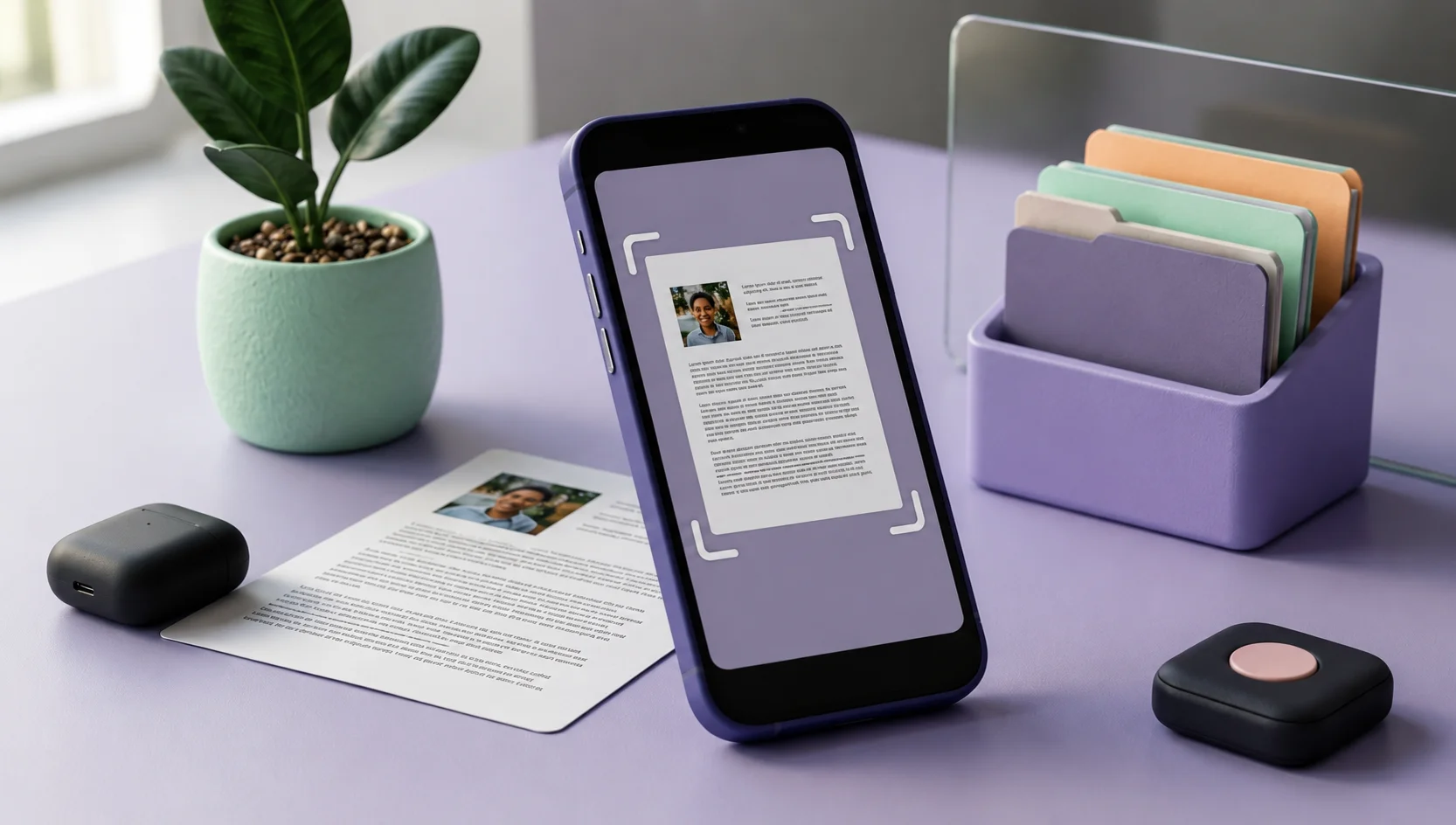
Phone scanning a document while images are converted into a PDF
100% Free No Signup No Watermark Private · in-browser tools
Free web tools

Convert right in your browser

No installs, no accounts, no uploads — your files never leave your device.

Live

Image to PDF

Turn JPG & PNG photos into one clean PDF.

Coming soon

PDF to JPG

Turn PDF pages into high-quality images.

Coming soon

Image to Word

Pull editable text out of a picture.

Coming soon

PNG to PDF

Convert PNG images into clean PDFs.

Coming soon

PDF to PNG

Export PDF pages as crisp PNG files.

Coming soon

JPG to PDF

Batch-convert JPGs into a single PDF.

The Nexscanify app

Scan & crop real documents with your camera

Web tools convert files — the app captures paper. Point your camera at any document and Nexscanify auto-detects the edges, crops it and saves a clean PDF.

  • Auto edge detection & crop
  • Multi-page scans into one PDF
  • Free, no watermark
▶ Get it on Google Play
Three steps

Paper to PDF in seconds

1

Point your camera

Open the app and aim at any document — receipts, contracts, notes.

2

Auto-crop & clean

Edges are detected automatically and the page is straightened for you.

3

Save & share the PDF

Your scan is saved as a clean PDF, ready to send anywhere.

Why Nexscanify

Simple, private, actually free

🔒
Private by design
Web tools run in your browser — files never touch a server.
No watermark, ever
Clean output you can share or print straight away.
Instant & free
No signup, no limits, no waiting in a queue.
📱
App + web, together
Scan on your phone, convert anywhere — one toolkit.
FAQ

Good to know

Is Nexscanify free?

Yes. The scanner app and all web tools are 100% free — no signup, no watermark.

Do I need the app to use the web tools?

No. The converters on this site run right in your browser. The app adds camera scanning with auto-crop.

Are my files uploaded anywhere?

No. The web tools convert files entirely in your browser, so your documents never leave your device.

How do I scan a document to PDF?

Install the free Nexscanify app from Google Play, point your camera at the document, and it auto-crops and saves it as a clean PDF.